
On 7 October 2026, OpenAI shipped the biggest change to how ChatGPT talks back to you in years. GPT-6 landed in the main Chat tab for paying users — and with it, GPT-6 Intelligent UI: the ability for ChatGPT to answer not with paragraphs of text, but with fully interactive screens built on the spot. Charts, forms, buttons, calculators, maps and even playable mini apps now appear inside the conversation, and the model decides for itself when a visual layout beats plain words.
Free and Go users followed a day later, on 8 October, so more than 1.2 billion weekly ChatGPT users are now getting the update in stages. Here is what GPT-6 Intelligent UI actually is, which version of the model you get on each plan, what it can and cannot do yet, and whether it is worth upgrading for.
What Is GPT-6 Intelligent UI?
Intelligent UI — the UI stands for user interface, the buttons, boxes and screens you tap and click — is OpenAI’s name for a new answering style. Instead of writing you a wall of text, ChatGPT can now assemble a small interactive interface for your question, right inside the chat.
Behind the scenes, OpenAI built a library of ready-made screen components and trained GPT-6 to choose and arrange them, so the interface appears piece by piece as the answer is written. OpenAI puts it this way: Intelligent UI is a step toward a ChatGPT that can shape an interface around what you are trying to do, rather than forcing you into a fixed app.
The model is not showing off visuals for everything. OpenAI says GPT-6 decides which format suits each question, and it still gives a plain text answer when a visual would add little value. Answers can also be split across several messages that build on each other, so a complex answer unfolds in stages instead of arriving as one giant block.
GPT-6 Sol vs GPT-6 Luna: Which Model You Get
GPT-6 is not one model — it is two, and which one powers your Chat tab depends on your plan. Paying subscribers (Plus, Pro, Business and Enterprise) get GPT-6 Sol. Free and Go users get GPT-6 Luna, which independent coverage describes as the less capable of the pair. OpenAI says both are tuned for everyday conversation.
| Plan | US price | Chat model | Intelligent UI from |
|---|---|---|---|
| Free | $0 | GPT-6 Luna | 8 Oct 2026 |
| Go | $8/month | GPT-6 Luna | 8 Oct 2026 |
| Plus | $20/month | GPT-6 Sol | 7 Oct 2026 |
| Pro | $100 or $200/month | GPT-6 Sol (+ GPT-6 Pro reasoning) | 7 Oct 2026 |
| Business / Enterprise | Varies | GPT-6 Sol | 7 Oct 2026 (admin-dependent) |
A few important caveats. Enterprise users only get the feature if their workspace administrator allows it. The update covers the Chat tab only — the models behind ChatGPT’s Work and Codex modes are not changing. And OpenAI warns that availability can vary by account, region, application version and workspace settings while the rollout progresses, so do not panic if it has not appeared for you yet. One wrinkle worth knowing: OpenAI’s own support page had still not caught up with the rollout a day later, so free accounts may not see the change immediately even though the announcement says it began on 8 October.

Table of Contents
What Intelligent UI Can Actually Do
OpenAI’s announcement leans on concrete examples rather than abstractions, which tells you a lot about what the feature is for:
- Bill splitting and finance tools: ask it to split a restaurant bill or build a retirement savings calculator, and you get a working calculator — not a description of one.
- Trip planning: a road trip’s stops laid out on a map, built interactively instead of listed as bullet points.
- Cooking timelines: cooking times laid out beside a recipe — the demo used a Sunday roast — so you can see what to start when.
- Planning: a personal wardrobe planner and similar organisers you can interact with.
- Games: one demo rebuilt the game Snake inside the chat, which is OpenAI showing off that these are real interfaces, not screenshots.
Each of these is generated on demand, from scratch, for your specific request. That is the headline implication: ChatGPT is moving from a chatbot to something closer to a disposable app engine, generating small tools around your task instead of pointing you at a specialised app. For the thousands of single-purpose utilities people download and forget, that is a genuine threat.
The Speed Story: 44% Sooner, With Fine Print
Alongside the visual change, GPT-6 changes how it reasons. Instead of waiting until its entire reasoning process is complete before responding, GPT-6 can begin answering while continuing to work through harder parts of a request — findings get added to the response as they arrive, without another prompt.
OpenAI’s numbers: for questions that need a web search, GPT-6 Instant starts answering 44% sooner on average than GPT-5.6 Instant. The company also says GPT-6 Extra High begins answering in the same time GPT-5.6 Medium takes, while scoring better on everyday agentic tasks.
The honest read on these figures: they are OpenAI’s own internal evaluations, with no independent testing cited, and a faster first word is not the same as a faster correct answer. Treat the speed claim as promising but unverified until third-party benchmarks land. That said, interleaved answering genuinely changes the feel of long, multi-step questions — you see the response build rather than staring at a spinner.
What GPT-6 Intelligent UI Can’t Do Yet
The launch is real, but it has sharp edges worth knowing before you rely on it:
- Pro reasoning users are excluded. The top-tier Pro reasoning option runs on GPT-6 Astra and does not support Intelligent UI, even though the feature works from Instant through Extra High reasoning on the other models. If you pay the most, the headline feature may sit just out of reach of your favourite model.
- Work and Codex are untouched. Seeing GPT-6 in the Chat model picker does not mean every OpenAI product switched over or gained Intelligent UI.
- Design judgement is still being refined. OpenAI itself acknowledges there is still work to do on the model’s design taste — expect some clumsy layouts while it learns.
- Enterprise depends on your admin. Workplace settings can switch the whole thing off for your account.
- The Luna gap is unquantified. Free and Go users get the less capable Luna model, but OpenAI has published no usage caps or limits detail for the free rollout.
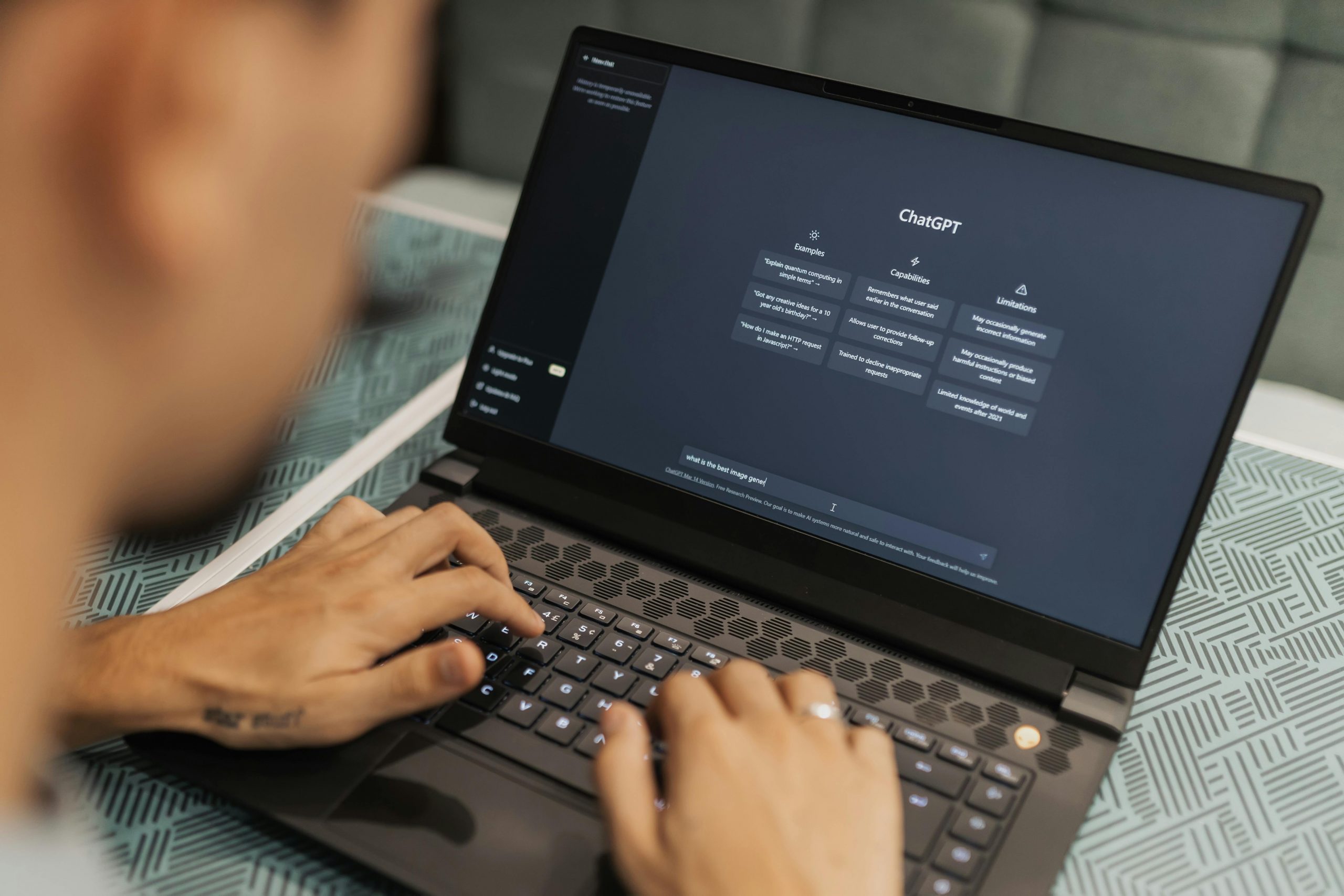
The GPT-6 Intelligent UI rollout is OpenAI’s biggest interface change. Every GPT-6 Intelligent UI screen is generated on demand. The GPT-6 Intelligent UI works across all ChatGPT plans. Understanding GPT-6 Intelligent UI helps you choose the right plan.
Is It Worth Upgrading? Real US Prices
If you are on Free, you get Intelligent UI and the Luna model at $0 — the core experience is now within reach of everyone, and the rollout reaching 1.2 billion weekly users is the real story of this launch. For casual use, there is little reason to pay just for this.
Go ($8/month) buys a step up from Free without jumping to Plus. You still get Luna rather than Sol, so the model itself is not the draw — the draw is heavier usage headroom and whatever Go’s extras offer in your region (pricing is localised in some markets).
Plus ($20/month) is where Intelligent UI runs on the stronger Sol model, and it got the update first, on 7 October. If you use ChatGPT daily for work — writing, planning, analysis — Plus remains the sweet spot: the best model in the Chat tab, first access to features, at a price that has barely moved in years.
Pro ($100 or $200/month) is harder to justify on Intelligent UI alone, precisely because its flagship reasoning mode (GPT-6 Astra) does not support it. Pro makes sense for heavy agentic and reasoning workloads, not for prettier answers.
The Bigger Picture: ChatGPT Is Becoming Software
Intelligent UI did not land alone. In the same week, OpenAI opened its Decisions API in public beta for developers, started testing visual ads beside ChatGPT images in the US, began EU text watermarking (invisible statistical watermarks under AI Act rules, opt-in for API customers), and rolled out a Meetings plugin in beta for Pro and Business users on the Mac desktop app — with auto notes, summaries and next steps. The pattern is clear: ChatGPT is being turned into an interactive platform, and the platform parts (ads, watermarks, meeting notes) are arriving right alongside the model upgrades.
Competition is not standing still either. Claude now works inside Google Docs, Sheets and Slides through a sidebar that edits files in place with per-edit approval — a direct play for the productivity ground where ChatGPT’s Intelligent UI also wants to live. If you live in meetings, our roundup of the best AI meeting assistants is the natural companion read, since note-taking is exactly where these platforms are converging.
Frequently Asked Questions
Is GPT-6 free?
Yes, in part. Free ChatGPT users get GPT-6 Luna starting 8 October 2026, including Intelligent UI. The stronger GPT-6 Sol model requires Plus ($20/month), Pro ($100 or $200/month), Business or Enterprise.
What is the difference between GPT-6 Sol and GPT-6 Luna?
Sol powers the Chat tab for paid plans (Plus, Pro, Business, Enterprise); Luna powers it for Free and Go. OpenAI describes both as tuned for everyday conversation, but Luna is the less capable of the two. Both support Intelligent UI.
Do I need to enable Intelligent UI?
OpenAI has not described a toggle — the model decides when a visual layout helps and falls back to plain text when it does not. You confirm access through the ChatGPT model picker and the app’s own update cycle.
Does Intelligent UI work on mobile?
OpenAI says the experience stays fast and familiar across web and mobile, and does not list iOS, Android or desktop differences. Check your own app after it updates.
Will Intelligent UI replace my apps?
For simple utilities — bill splitters, calculators, planners — it may well replace the single-purpose apps you rarely open. For deep, specialised work (think spreadsheets, design tools, dedicated transcription software), dedicated tools still have the edge. OpenAI’s own framing is modest: the interface is shaped around the task, not a replacement for the task’s real tool.
Verdict
GPT-6 Intelligent UI is the most consequential ChatGPT update of 2026 so far — not because the model got smarter in some abstract benchmark, but because the answer itself changed shape. Interactive answers make ChatGPT useful in places paragraphs never were, and bringing the feature to the free tier on day two puts it in front of more people than any AI interface change before it.
The caveats are real: the Pro reasoning exclusion is odd, the speed figures are OpenAI’s own, and design judgement is still rough. But as a direction of travel — from chatbot to software that builds itself around your question — this is the clearest signal yet of where 2026’s AI race is heading.
The GPT-6 Intelligent UI is available now. Every GPT-6 Intelligent UI feature is generated on demand. Try GPT-6 Intelligent UI on the official site. For GPT-6 Intelligent UI help, see the documentation. The GPT-6 Intelligent UI represents the future of AI interfaces.
Related reading
- 7 Best AI Meeting Assistants in 2026: Compared With Real Prices — the ChatGPT Meetings plugin makes this essential context.
- Best AI Transcription Software 2026: 6 Tools Tested for Accuracy and Price
- Best AI Note-Taking App 2026: 6 Tools Tested (Writing, Search & Privacy)