
On 13 October 2026, Google quietly changed the economics of app building.
Anyone in the United States who can describe an idea in plain words can now vibe code Android apps in the browser with Google AI Studio — and then install those apps on their own phone through Google Play, without a developer account and without paying the usual $25 registration fee.
The apps stay completely private: they never appear in Play Store search or listings, and nobody but the creator can see or install them. In this guide, we explain what changed, exactly how the process works, what it costs, the limits you should know about, and what Google says is coming next.
In this guide:
- Vibe Code Android Apps: What Google Just Changed
- How Vibe Coding an Android App Actually Works
- How to Launch Your App on Google Play
- What It Costs: The $25 Fee Is Gone
- The Limits You Need to Know Before You Build
- 7 Practical Ideas for Your First Personal App
- Old Way vs New Way: A Quick Comparison
- Is It Safe? Privacy and Security
- What’s Coming Next: Private Sharing
- Frequently Asked Questions
- Our Verdict
For years, “there’s an app for that” has been the promise of the smartphone era — and for years, the gap between wanting a very specific little app and getting it has been enormous. If no developer had built exactly what you needed, your options were learning to code, paying someone, or settling for a spreadsheet.
That gap is what vibe coding is finally closing, and Google’s move this week removes the last piece of friction: distribution. To vibe code Android apps no longer ends with a demo in a browser tab. It ends with an icon on your own home screen.
Vibe Code Android Apps: What Google Just Changed
On 13 October 2026, Sam Bright — Google’s vice president and general manager for Google Play and the developer ecosystem — published a post on Google’s official blog laying out the October 2026 batch of Google Play updates.
Buried among game-discovery features and shopping tools was the headline that matters most for builders: Google Play is becoming a place to run the apps you create, not just download the apps other people publish.
Here is the change in one sentence. Using Google AI Studio, Google’s free browser-based tool for building with Gemini, you describe an app in plain language and the AI writes it for you.
Then, through Google Play, you can launch that app on your own Android device using nothing more than the standard Google account you already use on your phone.
No developer account. No registration fee. No review queue. The rollout began the same day the announcement was published, in select markets including the United States, for users aged 18 and over. This is the moment when the ability to vibe code Android apps turns into something you actually use every day.
From “there’s an app for that” to “there’s an app for me”
Bright’s own framing is worth quoting because it captures the strategy: Google is moving “from ‘there’s an app for that’ to ‘there’s an app for me.'” That is not marketing fluff — it is a precise description of the use cases this unlocks.
For anyone searching for how to vibe code Android apps without a computer-science degree, that framing is the whole pitch. Public app stores are built for software with thousands or millions of users.
They are a terrible fit for software with exactly one user: the stat tracker for your Sunday football league, the chore wheel tuned to your household’s exact rules, the medical routine tracker shaped around your prescriptions.
Those apps were never going to survive a public review queue, a listing page, or a business model. Now they don’t have to.
The new apps live in a separate personal library area inside the Play Store, kept “private, secure, and separate from the public store catalog,” in Google’s words. That separation is what makes it practical to vibe code Android apps for an audience of one.
Google is explicit about the boundary: the on-screen text in the library panel reads, “Only you can see and install apps you create. They’re for personal use and aren’t reviewed by Google Play.” Your creations sit alongside your downloaded apps on your device, but they never enter search results, top charts, or anyone else’s library.
This is the second “describe it and get it” consumer tool Google has shipped this month — earlier in October, Google Playground turned text prompts into playable browser games, which we covered in our Google Playground guide. The pattern is unmistakable: Google is systematically removing the skill barrier between an idea and a working product.
How to Vibe Code Android Apps: The Full Process
If you have never written a line of code, the process will feel less like programming and more like hiring a very fast junior developer who happens to live in your browser. Here is the full journey — from idea to installed app — when you vibe code Android apps the Google way.

Step 1: Describe the app in plain language
Everything starts in Google AI Studio, in the same chat-style interface you might use with a chatbot — and it is currently the fastest way to vibe code Android apps. You write what you want: “a stat tracker for my recreational basketball league with 6 teams, a schedule, and a leaderboard sorted by wins.”
You don’t specify data structures, screens, or code — you specify the outcome. This is what the industry calls vibe coding: you describe the vibe of the finished product, and the AI handles the implementation.
Step 2: The AI builds a real native app
Behind the scenes, an AI agent generates a genuine Android project — native Kotlin code built with Jetpack Compose, Google’s modern toolkit for Android interfaces.
This matters more than it sounds. You are not getting a web page wrapped in an app shell; you are getting the same kind of native app a professional Android developer would write, which means it can use the phone’s real capabilities and run with native performance.
Step 3: Test it in a browser-based emulator
Once the first version is generated, AI Studio runs it inside a browser-based Android emulator so you can tap through the result immediately, without touching your phone. If a button is in the wrong place or a screen is confusing, you don’t file a bug report — you just keep talking.
“Move the leaderboard to the first tab,” you type, and the agent rebuilds. This conversational loop — prompt, preview, refine — is the core skill of vibe coding, and it is the skill that matters most when you vibe code Android apps.
Step 4: Fine-tune or take the code
Two doors stay open for people who want more control. A Code tab lets you inspect and edit the generated Kotlin directly, which is handy if you know a little programming or want a developer friend to polish something. Alternatively, you can download the whole project as a ZIP file and continue in Android Studio or hand it to a professional. Nothing is locked in: the app you vibe-coded this afternoon can become a professionally engineered product next month. That portability is part of why developers are excited about the ability to vibe code Android apps — nothing you build is trapped.
One important piece of context: Google added Android app building to AI Studio back in May 2026, so the generation side of this pipeline has had months of real-world use. What changed this week is the last mile — the path from “a working build in my browser” to “an icon on my phone” is now open for anyone who can vibe code Android apps in a browser tab. That last mile used to be where most personal projects died, and it is exactly the problem Google has now solved.
How to Launch Your App on Google Play
The launch flow is deliberately boring, and that is the point. There is no developer console, no signing keys to manage, no review to wait out. Once Google’s update has rolled out to your account and your app is ready in AI Studio, the steps to get the Android apps you vibe code onto your own phone are:
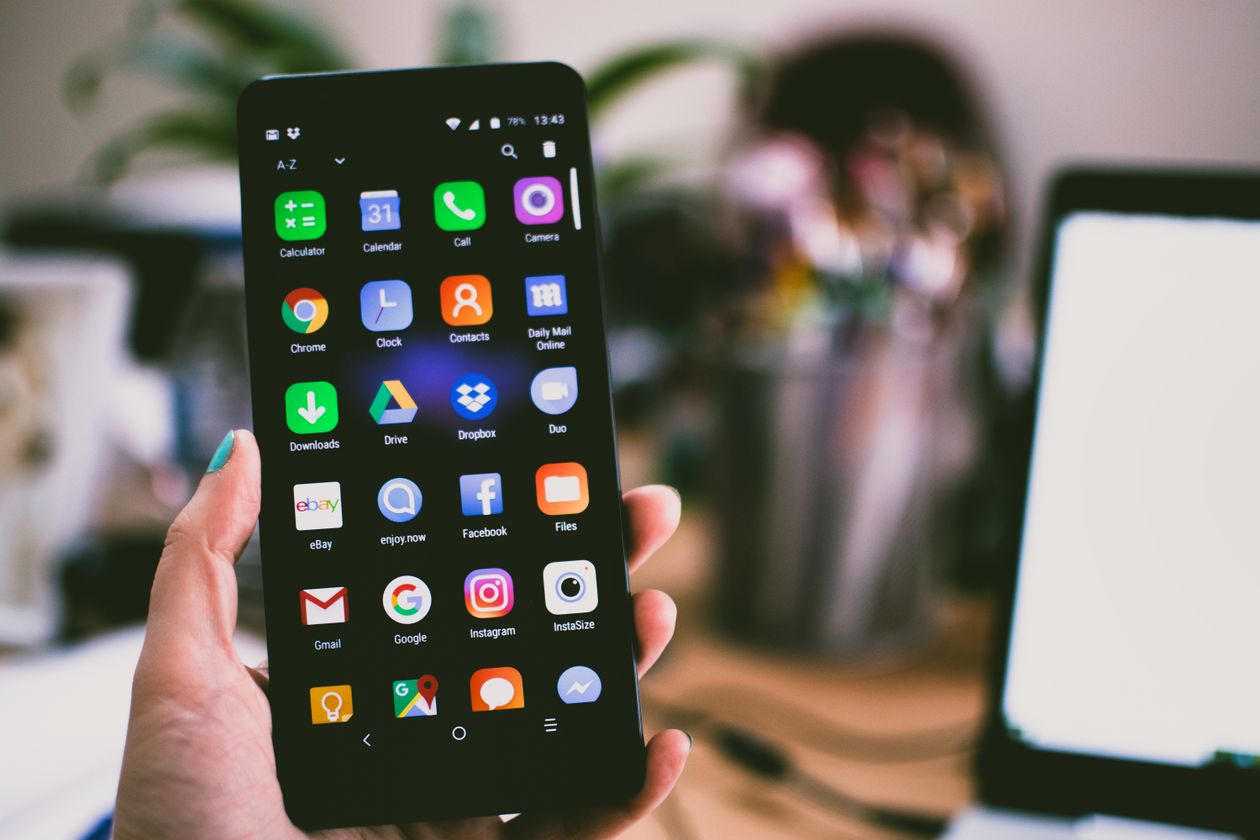
- Update the Play Store on your phone to the latest version — Google says the rollout began on 13 October 2026, so check for the update if the option has not appeared yet.
- Build the app in Google AI Studio while signed in with your standard Google account — the same account you use on your phone.
- Deploy it to your phone through Google Play. The app lands in your personal library, installs like any other app, and opens from your app drawer.
That is the entire pipeline. The app is tied to you and your device at launch: it does not appear in Play Store search, it cannot be found by other users, and it carries no public listing page.
Think of it less like publishing and more like syncing — your creation simply follows your Google account onto your phone. Compared with every previous way to vibe code Android apps and get them onto a phone, this is the first one with zero technical overhead.
What It Costs: The $25 Fee Is Gone
Let’s talk money, because the pricing story is one of the biggest reasons the ability to vibe code Android apps suddenly matters to non-developers. To vibe code Android apps and run them on your own phone, the headline costs are now zero:
- Google AI Studio is free to use — it is a browser-based tool, and building your app costs nothing.
- No developer account is required for the personal route — you use your ordinary Google account.
- No $25 registration fee. Until this week, the cheapest legitimate path to a private install was Google Play’s internal testing track, which required a professional developer account and its one-off $25 registration fee. That fee is now irrelevant for personal apps.
Google has not published a price list for the personal-apps lane, and the announcement does not describe any per-app or per-install charges. The honest reading is that Google is treating this as an ecosystem play rather than a revenue line: every personal app deepens a user’s relationship with Android and the Play Store, and the users most likely to graduate to paid developer accounts later are the ones who start here for free.
One caveat for power users: AI Studio runs on Gemini models, and while the standard browser experience is free, heavy programmatic or API-driven use of those models follows Google’s normal API pricing. For the personal-apps flow described in this guide — chatting in the browser and launching to your phone — you should expect to pay nothing. In short, the money question around how to vibe code Android apps has a refreshingly simple answer: the building is free, and the launching is free. If your project ever outgrows that flow, our Gemini 4 Argon explained piece breaks down the current model pricing.
The Limits You Need to Know Before You Build
The limits you need to know before you vibe code Android apps are not hidden in fine print — Google has been unusually upfront about them. The personal-apps lane is generous, but it is not unlimited. Understanding the boundaries before you spend an afternoon building will save you disappointment. Here is what Google’s documentation and the announcement actually say — and what they carefully do not say.
Client-side apps only. The generated projects are client-side Android apps: everything runs on the phone itself, with no server component. That rules out an entire category of features: no Firebase backend, no Google Workspace API integrations, no secrets management, and no multiplayer. If your idea needs a database that syncs between users or any kind of server runtime, the personal lane cannot carry it — though you could still build the client in AI Studio and wire up a backend later as a professional project.
Phones and tablets only. Google’s documentation supports phone and tablet targets. Wear OS watches and Android TV are not in scope, so a companion app for your smartwatch will have to wait.
18 and over, select markets. The rollout covers users aged 18 and older in select markets, with the United States confirmed in the first wave. Google has not published the full market list, so readers outside the US should check whether the option has appeared in their Play Store rather than assume.
Still subject to Play policies. This one surprises people: personal apps must still follow Google Play’s existing policies. “Not reviewed by Google Play” does not mean “anything goes.” The private lane removes the review queue; it does not remove the rules. Build something that violates Play’s content or behavior policies and you are still on the wrong side of them.
What’s unspecified. Google’s announcement does not name a minimum Android version, does not list the other launch markets, and does not say what the personal route costs — if anything — beyond the absence of the developer-account fee.
Treat the missing details as “not yet announced” rather than “no requirements exist.” None of these caveats changes the core value proposition: if you want to vibe code Android apps for personal use, the path is clearer than it has ever been.
7 Practical Ideas for Your First Personal App
The hardest part of vibe coding is not the building — it is deciding what to build. The sweet spot is software with an audience of one (or one household): too niche for any developer to ever build, but genuinely useful to you. Here are seven ideas to get you started the first time you vibe code Android apps:

- A league stat tracker. Google’s own example: track your recreational basketball or softball league — teams, fixtures, wins, and a live leaderboard. No public sports app will ever care about your Sunday league; your personal app can.
- A household organizer. Chores, bills, and routines, tuned to your family’s exact rules instead of a generic template’s assumptions.
- A medical routine tracker. Medication schedules, symptom logs, appointment reminders — shaped around your prescriptions. (Handle health data carefully: this is exactly the kind of sensitive information you want to understand the privacy implications of before you store it.)
- A habit and streak tracker with your own rules, your own rewards, and none of the gamification dark patterns that public habit apps rely on.
- A local price watcher. Track prices at the specific stores you actually shop at, for the specific products you actually buy.
- A travel packing and itinerary app built around how you travel — your checklists, your document storage, your trip templates.
- A learning companion — flashcards, spaced repetition, or a quiz app loaded with exactly the material you are studying, from a certification exam to a new language.
Notice the pattern: the best ideas for anyone learning to vibe code Android apps are the ones a public app store would never justify building. That is precisely the gap Google’s personal lane fills.
Vibe Code Android Apps for Side Hustles and Small Teams
There is a professional angle here too. Freelancers and tiny teams constantly need small internal tools: a client-intake form that feeds a spreadsheet, a job-site photo logger, a simple inventory counter for a market stall.
These tools are too small to justify a developer and too specific for off-the-shelf software — which is precisely why the ability to vibe code Android apps in an afternoon and run them on your work phone is a genuine productivity unlock.
For a freelancer, the ability to vibe code Android apps on demand is like having a junior developer on retainer — one who works for free and never sleeps. Just remember the limits: the moment the tool needs shared data or multiple users, you are looking at the professional route (more on that below).
Old Way vs New Way: A Quick Comparison
To appreciate how much friction Google removed, compare the routes that existed before this week with the one that exists now — for anyone who wants to vibe code Android apps and actually use the result:
| Route | What you needed | Cost | Who could install it |
|---|---|---|---|
| USB debugging install | Computer, USB cable, Android debugging tools, some technical confidence | Free | Only your own plugged-in device |
| Internal testing track | Professional Google Play developer account | $25 one-off registration fee | Your test devices, via the Play Console |
| Personal apps (new) | A standard Google account and the latest Play Store | Free | Your own device, from your private Play library |
The USB route was free but fiddly — every update meant plugging the phone back in. The testing track was smoother but gated behind a developer identity and a fee, which is a strange thing to ask of someone who just wants a chore tracker for their own kitchen.
The personal lane keeps the smoothness and drops the gate. That is the whole story — and it is why the search interest in how to vibe code Android apps keeps climbing.
Is It Safe? Privacy and Security
Any time someone says “install unreviewed software on your phone,” a reasonable person asks about safety — and that question matters just as much when you vibe code Android apps for yourself. Here is the honest picture.
The threat model is narrow by design. These apps are installed only by the person who built them, onto their own device, from a pipeline Google controls end-to-end — the code is generated in AI Studio, and the install flows through the Play Store’s own machinery.
Google describes personal apps as “private, secure, and separate from the public store catalog.” There is no sideloading from a random website, no APK from a forum, no stranger’s software entering the picture at all.
The largest historical source of Android malware — installing other people’s unverified apps — simply does not apply here. That is a fundamentally different risk profile, and it is one reason security-conscious users are comfortable learning to vibe code Android apps this way.
The open questions are real, though. Google’s announcement does not detail what permissions a generated app can request, or how the generated code is screened before it lands on a phone.
And because personal apps are not reviewed by Google Play, the safety responsibility sits more heavily with the creator: if you grant your own app broad permissions, there is no reviewer to flag it.
Our practical advice is simple — build apps that request the minimum permissions they need, and treat any AI-generated code that handles sensitive data (health, finance, passwords) with the same caution you would give any software.
One more consideration: the generated app is only as trustworthy as the prompt that shaped it. Vibe coding is fast precisely because you are not reading every line of generated code — but for anything that touches personal data, it is worth having a technical friend glance at the Code tab before you launch.
Speed and scrutiny are a trade-off, and that trade-off is the one thing every person who wants to vibe code Android apps should understand before handling sensitive data.
What’s Coming Next: Private Sharing
The launch version is deliberately solo: one creator, one device. But Google has already sketched the roadmap for everyone who wants to vibe code Android apps, and it is the part that turns a neat trick into a platform.

Close-circle sharing is coming in the next few months. Google says you will soon be able to share personal apps privately with a small circle of friends and family — without placing them in the public catalog. The day that feature ships, the reasons to vibe code Android apps multiply overnight.
That is the moment the use cases multiply too: the family organizer stops being one person’s project and becomes the household’s app; the rec-league tracker goes to the whole league; the small-team tool reaches the whole team. All without a public listing, a review queue, or a developer account.
And if you outgrow “personal” entirely, there is a graduation path. Google says that when you want to share an app with the world, Play will help you move to a professional developer account — at which point your app goes through the same Trust & Safety reviews and quality standards as every professional developer’s app.
The funnel is now complete: vibe-code it for yourself on Monday, share it with friends in a few months, publish it to three billion users when it is ready.
No step requires you to start over. In other words, learning to vibe code Android apps today is not a dead-end skill — it is the on-ramp to professional Android development.
Worth noting: the personal-apps lane arrived as part of a broader October 2026 Play update that also includes Ask Play app comparisons, a Game Finder for personalized recommendations, 48-hour gaming “sprints,” community posts, and age-range sharing through Family Link. Google is clearly repositioning the Play Store as a more personal, more interactive surface — and personal apps are the most builder-friendly piece of that shift. The official details are all in Google’s October 2026 Play updates announcement, and independent coverage of the rollout is available from gHacks.
Frequently Asked Questions
What does it mean to vibe code Android apps?
It means describing the app you want in plain language while an AI writes the actual code. You guide the result through conversation — asking for changes, testing previews, refining screens — instead of writing syntax yourself. Google AI Studio’s agent turns your descriptions into native Kotlin Android projects.
Do I need to know how to code to vibe code Android apps?
No. The entire premise is that you describe the app in plain language and the AI writes the code. Knowing a little programming helps you refine the result in the Code tab, but it is optional — the chat-and-preview loop is the whole interface for most people.
Is it really free?
Building in Google AI Studio and launching to your own phone through the personal-apps lane requires no developer account and no $25 registration fee. Google has not announced any per-app charges for this flow. Heavy API-style usage of the underlying models is a separate matter with its own pricing, but the browser flow described here is free.
Why is everyone talking about vibe code Android apps right now?
Because the last piece of friction just disappeared. Describing an app to an AI was already possible; on 13 October 2026 Google removed the distribution barrier too, so the apps you describe can now live on your own phone — no developer account, no $25 fee, no review queue.
Can other people find or install my personal app?
No. Personal apps live in a private library, separate from the public Play catalog. They do not appear in search results or listings, and Google’s own on-screen text confirms that only you can see and install the apps you create — at least until the close-circle sharing feature arrives.
Can I build apps that need a server or a database?
Not in the personal lane. Generated apps are client-side only: no server component, no Firebase, no Google Workspace APIs, no secrets management, and no multiplayer. If your idea needs those, build the client in AI Studio and plan a professional backend later.
Which devices are supported?
Phones and tablets. Wear OS and Android TV are not supported in the personal-apps flow, and Google has not named a minimum Android version.
Is it available outside the United States?
The rollout covers select markets including the US, for users 18 and over. Google has not published the full market list, so availability elsewhere is a matter of checking your Play Store rather than assuming.
Can I eventually publish my app publicly?
Yes. Google describes a graduation path: move to a professional developer account when you are ready, and your app goes through the standard Trust & Safety reviews and quality checks like any public Play app.
Our Verdict
This is one of those launches that looks small and turns out to be structural. Letting people vibe code Android apps was already possible; letting them run those apps on their own phones, through the store they already trust, with no developer identity and no fee, removes the barrier that killed most personal software projects before they started. The limits are real — client-side only, phones and tablets, policies still apply — but they are honest limits, clearly stated, and they map neatly onto what personal software actually needs to be. For the growing community of people who vibe code Android apps as a hobby or a side hustle, Google just removed the last excuse not to ship.
If you have ever thought “someone should make an app that…” and the someone was you, this week is your invitation to vibe code Android apps. Start with something small and selfish — the stat tracker, the chore wheel, the packing list.
Describe it, preview it, refine it, and put it on your phone. The distance between an idea and an installed app has never been shorter.