
Google Genie 4 is Google DeepMind’s newest world model, and it does something no earlier version could: it builds an interactive virtual world that you can walk through, talk to, and reshape while it is still running. Announced on October 27, 2026, Genie 4 generates photorealistic environments from a simple text prompt or an image, then adds something its predecessors never had — sound. Music, ambient noise, and spoken dialogue are created at the same time as the world itself, so the scene does not just look alive. It sounds alive too.
If you have followed AI video tools, you know the usual pattern: you type a prompt, wait, and get a short clip you can watch but cannot touch. Genie 4 breaks that pattern. You can steer the camera with your keyboard, change the weather mid-scene with a sentence, add a character, and watch the world respond in real time. In this guide, we explain what Genie 4 is, how it works, who can try it today, and what it means for gaming, filmmaking, and robotics.
Table of Contents
- What Is Google Genie 4?
- Genie 4’s Biggest Upgrades Over Genie 3
- How Google Genie 4 Works Under the Hood
- Genie 4 vs Genie 3 at a Glance
- Who Can Use Google Genie 4 Right Now?
- What Genie 4 Means for Games, Film, and Robotics
- Google Genie 4’s Limitations You Should Know
- Genie 4 vs the Competition
- How to Join the Google Genie 4 Waitlist
- Frequently Asked Questions About Genie 4
- Final Verdict: Should You Care About Google Genie 4?
What Is Google Genie 4?
A world model is an AI system that learns how the world looks, moves, and behaves, then uses that understanding to simulate new scenes on the fly. Unlike a traditional video game, which is built from hand-made 3D assets and hard-coded rules, Google Genie 4 creates its environments frame by frame in real time. You describe a place — a rainy Tokyo street, a quiet mountain cabin, a busy medieval market — and the model renders it as an explorable scene you can move through.
Genie 4 is the fourth generation of DeepMind’s world-model line, which began in 2024. Each version has pushed the same idea further: longer scenes, sharper visuals, and more control for the user. This release is the biggest jump yet, because it adds three things at once — native audio, live steering in plain language, and far more realistic human characters.

Think of it this way. Earlier AI video tools were like watching a movie someone else directed. Genie 4 is closer to stepping onto a film set where the director takes your suggestions as the scene plays out. You are not just a viewer anymore. You are a participant, and the world reacts to you.
That distinction matters because it points to where this technology is heading. DeepMind itself frames world models as a step toward artificial general intelligence: systems that understand and simulate the world well enough to train robots, test autonomous agents, and create entirely new kinds of interactive entertainment. Google Genie 4 is still a research preview, not a finished product, but it is the clearest public demonstration yet of that vision.
Google Genie 4’s Biggest Upgrades Over Genie 3
Genie 3, unveiled in August 2025, was already impressive: it could hold a coherent interactive scene together for about a minute. Google Genie 4 roughly doubles that, and it adds capabilities its predecessor simply did not have. Here are the upgrades that matter most.
Native Audio Comes to Google Genie 4 for the First Time
The headline change is sound. Google Genie 4 is DeepMind’s first real-time world model with audio generated natively, meaning the soundtrack is produced by the same simulation as the visuals — not pasted on afterward by a separate tool. Every world carries the ambient sound of its own setting: wind in the trees, waves breaking on a beach, footsteps on gravel, or the murmur of a crowded market.
It goes further than background noise. Genie 4 also generates music that fits the scene and, most strikingly, interactive dialogue. Characters inside the simulation can converse with each other and respond to what you do. Ask a character a question, change something in their environment, and they react in real time, in spoken words. That turns a world from something you watch into something you can genuinely talk to.
Scenes That Last Twice as Long
Coherent scenes in Google Genie 4 now run for up to about two minutes, double the roughly 60-second limit of Genie 3. Two minutes may still sound short, but in world-model terms it is a major achievement. The longer a simulation runs, the more chances there are for details to slip: a door changes color, an object vanishes, a character’s face shifts. Holding a scene together for two minutes means a character can cross a room, the weather can turn, and a conversation can actually go somewhere before the simulation starts to fray.
Steer the World Live With Plain Language
Google Genie 4 lets you change the world while it is running, using ordinary sentences. Type “make it rain,” and the sky darkens. Ask for a new character, move the camera, or swap an object, and the scene updates without restarting. You navigate with keyboard controls and refine the scene with follow-up prompts, while the model works to keep everything photorealistic and consistent.
This is a bigger deal than it sounds. In older systems, changing your mind meant generating a whole new clip from scratch. In Genie 4, the world is a living thing you keep editing as it plays, which is much closer to how game designers, directors, and robotics researchers actually want to work.
More Realistic People, Movement, and Physics
DeepMind calls the human leap the most dramatic change in Genie 4. Characters now move more naturally, with more fluid body motion and facial expression, and they respond organically to their surroundings instead of moving like stiff puppets — a common complaint about Genie 3. Physics has improved too, with better collisions and aerodynamics, so objects behave more like they would in the real world when they are pushed, dropped, or blown by the wind.

How Google Genie 4 Works Under the Hood
Genie 4 is not one model working alone. It is a team of Google models cooperating in real time, each handling a different job. Understanding that teamwork explains why this version is so much more capable than the last.
Gemini Omni Anchors What Things Look Like
The visual realism of Genie 4 comes from Gemini Omni, a video-generation model Google introduced in May 2026. Gemini Omni anchors each simulation in real-world appearance and behavior: it helps make sure a wooden chair looks like wood, a cat moves like a cat, and light falls the way it should at sunset. Without this grounding, generated worlds tend to look plausible for a few seconds and then drift into dreamlike weirdness.
Gemini 3.8 Flash Acts as the Director
While the world is running, a reasoning model called Gemini 3.8 Flash works as a guiding agent inside the loop. It continuously observes the scene, breaks your goals into a sequence of steps, and checks each generated frame to confirm the step succeeded. When you intervene — changing the weather, adding a person — it adapts its plan on the spot so the simulation stays on track. DeepMind describes this as the model reviewing incoming frames to track progress and verify each step, which is why Genie 4 can hold a scene together far longer than a model generating frames blindly.
Every Output Carries a SynthID Watermark
Like other Google-generated media, everything Genie 4 produces carries SynthID, DeepMind’s imperceptible watermark for AI-generated content. That means worlds created with Genie 4 can be identified as AI-generated even after they are shared, which matters as these simulations get realistic enough to pass for real footage. If you want to check whether a piece of media was AI-made, Google’s free SynthID detector site can read that watermark from images, video, and audio.
Google Genie 4 vs Genie 3 at a Glance
Here is how the two generations compare on the points buyers and creators actually care about:
| Feature | Genie 3 (2025) | Genie 4 (2026) |
|---|---|---|
| Native audio | No — silent worlds | Yes — ambient sound, music, and dialogue |
| Coherent scene length | About 60 seconds | About 2 minutes |
| Live steering | Prompt changes between runs | Real-time natural-language edits mid-scene |
| Human characters | Often stiff and mechanical | Fluid movement, natural reactions, spoken dialogue |
| Physics | Basic | Improved collisions and aerodynamics |
| Availability | Limited preview | Research preview for trusted testers |
| Watermarking | SynthID | SynthID |
The pattern is clear: every generation doubles down on duration, realism, and control. If that trajectory holds, the gap between “impressive demo” and “usable tool” will close faster than most people expect.
Who Can Use Google Genie 4 Right Now?
Here is the honest answer: almost nobody — yet. Genie 4 launched as a research preview for trusted testers, starting with a small group of filmmakers, game developers, and robotics teams who are giving DeepMind feedback before any wider release. This is a deliberate rollout, not a public launch, and Google has not announced a date for general availability.
What we do know about the rollout order:
- Trusted testers first: selected filmmakers, game developers, and robotics researchers are already trying Genie 4 and reporting back.
- Google AI Ultra subscribers next: the first consumer route in will be through Project Genie, for subscribers to Google’s premium AI Ultra tier.
- Developers after that: early-access partners of the Gemini API and Google AI Studio are also in line for access.
- Everyone else: a waitlist is open for Project Genie, which is the official way to register interest.
There is no standalone price for Genie 4 yet, and no public API pricing has been announced. If you see a website claiming to sell you Genie 4 access today, treat it with suspicion — the only legitimate route right now is Google’s own waitlist. We walk through it below.
What Google Genie 4 Means for Games, Film, and Robotics
World models are easy to dismiss as tech demos until you look at who is testing them first. DeepMind picked three groups for the Genie 4 research preview, and each one reveals a different future for the technology.
Google Genie 4 for Game Development
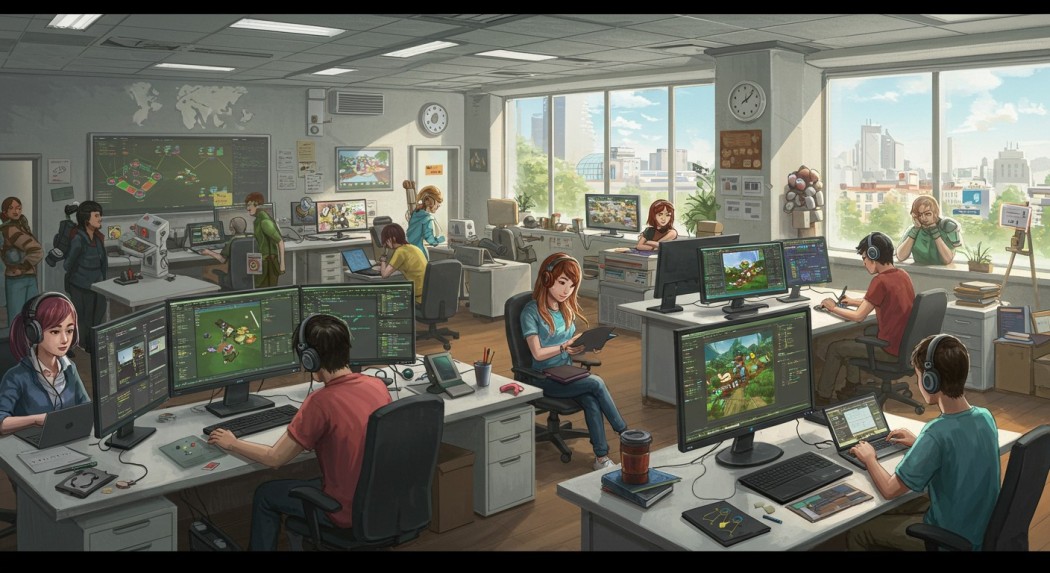
For game developers, Genie 4 looks like a rapid-prototyping machine. Instead of spending weeks building a grey-box level to test whether an idea feels right, a designer could describe a level in words, walk through it, and reshape it live: move a building, change the time of day, add an enemy patrol, and see how it plays. That will not replace hand-crafted games — two-minute scenes with drifting details are nowhere near a shippable game — but it could compress the earliest, most expensive stage of design, when teams are still deciding what is fun.
There is a longer-term possibility too. If world models keep improving at this pace, small indie teams could one day generate large, explorable environments without a big art department. That is still years away, and it raises real questions about jobs and originality in game art, but the direction of travel is unmistakable. The site’s earlier coverage of HeyGen Video showed how fast prompt-to-scene tools are maturing; Genie 4 pushes the same idea from watchable clips into playable worlds.
Google Genie 4 for Filmmaking and Previsualization
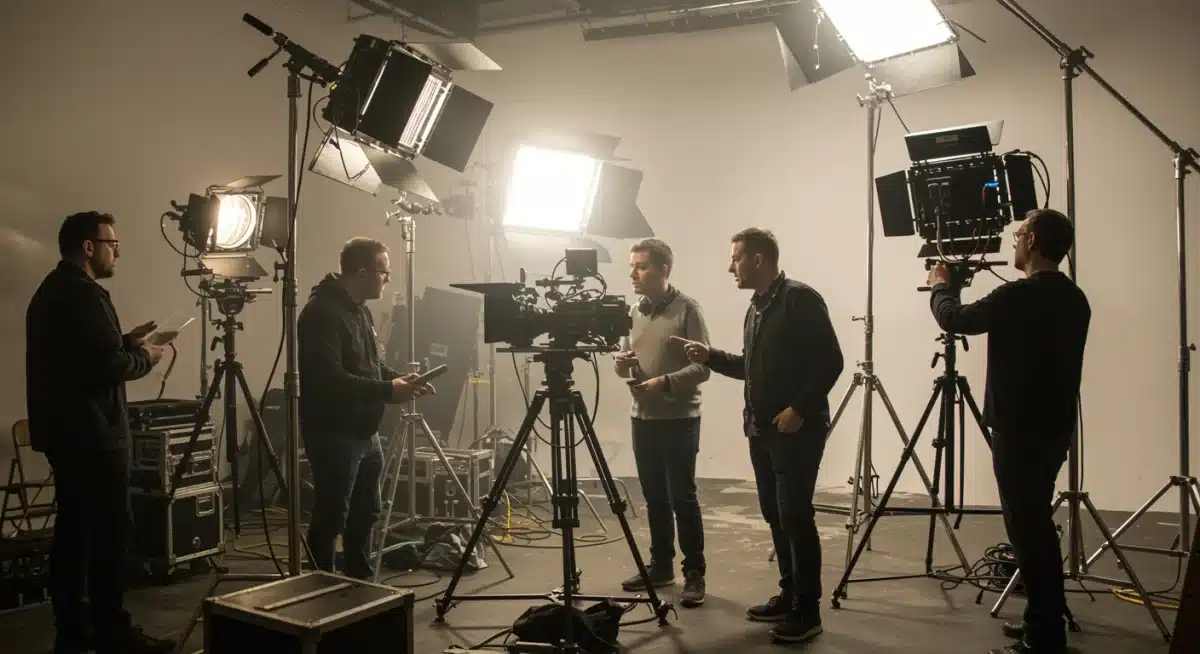
For filmmakers, the appeal is previsualization — the process of planning shots before expensive cameras roll. A director could block out a scene in Genie 4, try different weather, camera angles, and character placements, and walk away with a moving reference that everyone on the crew can understand. Today that work needs storyboards, 3D artists, or a full previsualization department. A world model that takes direction in plain language could put a rough version of it in any director’s hands.
The dialogue feature adds another wrinkle. Characters that speak and react in real time could be used to rehearse scenes, test how a conversation plays in a location, or prototype interactive stories where the audience talks back. Again, this is not a replacement for actors or cinematographers — it is a sketching tool that works in motion and sound rather than on paper.
Google Genie 4 for Robotics Training
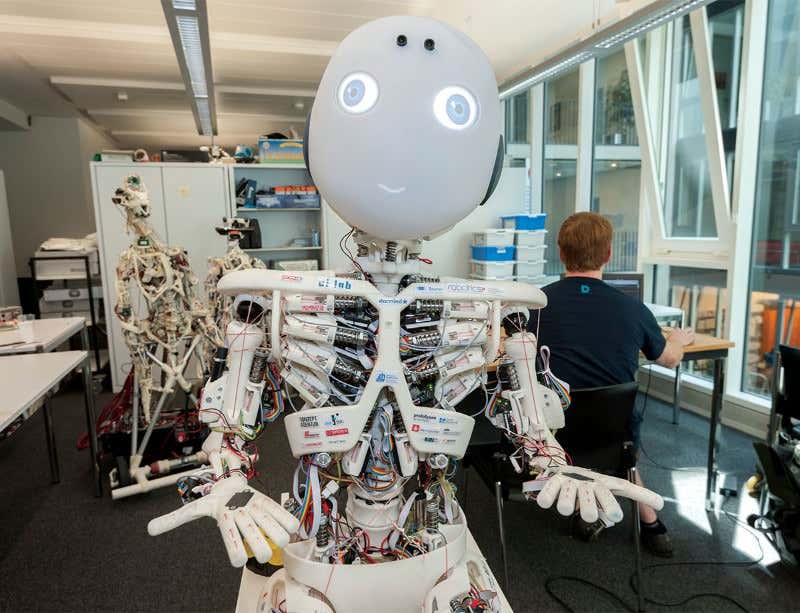
The least glamorous use case may be the most important. Robots learn by practicing, and practicing in the real world is slow, expensive, and sometimes dangerous. A world model like Genie 4 can generate endless training environments — different rooms, lighting, objects, and people — so a robot’s brain can practice millions of scenarios before it ever touches a real floor. DeepMind explicitly positions these simulations as training grounds for robots and autonomous agents, and robotics teams are among the first testers for exactly that reason.
This is also why the physics improvements matter. A robot trained in a world where objects fall wrong will fail in reality. Better collisions, aerodynamics, and object behavior make the simulated practice transfer more reliably to the real thing. If you are wondering why Google is investing so heavily in something that looks like a game engine, this is the answer: the same simulation that entertains people can train machines.
Google Genie 4’s Limitations You Should Know
DeepMind is unusually candid about what Genie 4 cannot do yet, and you should take those limits seriously before getting carried away by the demos.
- Details drift over time. Visual details and object permanence can shift as a simulation runs longer, after multiple complex prompt edits, or while navigating through a scene. A red car may quietly become a blue one; a doorway may move.
- Two minutes is the ceiling, not the floor. Scenes hold together for about two minutes. That is double Genie 3, but it is not an open-ended world you can live in for an hour.
- Audio consistency is not solved. Sound is generated alongside the visuals, but DeepMind acknowledges audio consistency can still waver, and text inside scenes can be hard to read.
- It is not a game engine. There are no saved states, no multiplayer, no scripting system, and no guarantee that a world will behave the same way twice. It is a research preview, not a production pipeline.
- Key specs are undisclosed. Google has not published resolution, frame rate, inference cost, or maximum session details for Genie 4, so performance claims beyond the two-minute figure are hard to verify independently.
None of this makes Genie 4 unimportant. Every transformative technology looks limited at the research-preview stage. But if you are deciding whether to plan a project around it today, the honest answer is: watch it, join the waitlist, and build on tools that are already public — like the AI video generators compared in our best AI video generator guide — while Genie 4 matures.
Google Genie 4 vs the Competition
Google is not alone in the world-model race, and the rivals explain why this announcement landed when it did:
- NVIDIA Cosmos: NVIDIA’s world-model platform is aimed squarely at robotics and autonomous vehicles, with an emphasis on physically accurate simulation for training. It is the most direct rival for the robotics use case.
- Runway GWM Worlds 2: Runway’s world model targets creators, turning prompts into explorable scenes for film and interactive media — the closest rival for the creative market.
- ByteDance Seedance: ByteDance’s reported world-model effort brings the short-video giant’s scale to the same problem, with obvious implications for social and entertainment formats.
What sets Genie 4 apart right now is the combination: native audio plus live steering plus the Gemini reasoning loop, all in one public research preview. Rivals may match individual pieces, but none has publicly shown all three working together at this level of realism. That said, this field moves in weeks, not years — today’s lead is not a permanent moat.
How to Join the Google Genie 4 Waitlist
If you want to try Genie 4 as soon as a spot opens, here is the legitimate path:
- Go to Google DeepMind’s official Genie 4 announcement page and find the Project Genie waitlist link.
- Sign in with the Google account you use for AI tools — ideally the one tied to any Google AI subscription you hold.
- Join the waitlist for Genie 4 in Project Genie and complete any questions about how you would use it. Filmmakers, game developers, and robotics researchers are the current priority groups, so describe your use case honestly.
- Watch for an invitation email from Google. Access is rolling out in waves, starting with trusted testers and Google AI Ultra subscribers, so there is no fixed date to expect.
- While you wait, experiment with the tools that are public today — including GPT-6.1 Terra, OpenAI’s latest model for computer-based work — so you are ready to compare when your invitation arrives.
A word of caution: only join through Google’s own pages. Third-party sites offering “Genie 4 access” for a fee are not affiliated with DeepMind, and handing them your Google credentials would put your account at risk.
Frequently Asked Questions About Google Genie 4
Is Google Genie 4 free?
There is no public pricing for Genie 4 yet because it is a research preview, not a commercial product. The first consumer access route is expected to be through Project Genie for Google AI Ultra subscribers, which is a paid tier. A free tier has not been announced.
Can Google Genie 4 make a full video game?
Not today. Scenes last about two minutes, details can drift, and there is no save system, scripting, or multiplayer. Think of it as a prototype and previsualization tool, not a game engine — though it hints at what game creation could look like in a few years.
How is Google Genie 4 different from AI video generators?
AI video generators produce a fixed clip you watch. Genie 4 produces a live simulation you can move through, talk to, and edit while it runs, with sound generated as part of the world. Interactivity is the fundamental difference.
When will Google Genie 4 be available to everyone?
Google has not given a date. The rollout starts with trusted testers, then Google AI Ultra subscribers in Project Genie, then early-access partners of the Gemini API and Google AI Studio. Joining the waitlist is the best way to get notified.
Are Google Genie 4 worlds watermarked?
Yes. All output carries Google’s SynthID watermark, so AI-generated worlds can be identified even after sharing. This is an important safeguard as simulations approach photorealism.
Final Verdict: Should You Care About Google Genie 4?
Yes — with realistic expectations. Genie 4 is the most convincing demonstration yet that AI is moving from generating media to simulating worlds: places with sound, dialogue, physics, and characters you can talk to and reshape live. The two-minute limit, the drifting details, and the closed research preview mean it will not change your workflow tomorrow. But the trajectory is what matters. Genie 3 gave us a minute of silent, stiff simulation. Genie 4 gives us two minutes of talking, listenable, steerable worlds. If the next generation doubles the duration again and opens access wider, the line between watching AI content and living inside it will get very thin, very fast.
For creators, the smart move is to join the Project Genie waitlist, keep building with today’s public tools, and watch how filmmakers, game developers, and robotics teams use the preview. When Genie 4 opens up, the people who already understand world models will be the first to make something remarkable with them.
Sources: Google DeepMind’s official Genie 4 announcement; SiliconANGLE’s launch coverage; Gizmodo, Softonic, AI Weekly, and dev.to analyses of the October 27, 2026 reveal. Benchmarks and rollout details are company-reported unless noted, and availability may change as the research preview expands.